
Feeling overwhelmed by scattered goals and wondering if there’s a smarter way to keep your teams aligned in 2026? OKR software is quickly becoming the go-to solution for organizations seeking clarity, focus, and measurable results. No wonder the market is projected to reach $2,578.80 M by 2032.
With the market booming, the challenge isn’t finding a tool, but choosing the right one that fits your team’s workflow. The wrong choice can stall progress and frustrate teams, but the right one makes hitting goals feel effortless.
That’s why we’ve compiled the best OKR software for 2026, highlighting features, pricing, and integrations. Whether you want to boost alignment, track progress, or drive results, this guide has everything you need to make smarter decisions.
Key Takeaways:
- OKR software helps teams set, track, and achieve strategic goals with clarity and alignment.
- Key features include progress tracking, goal visualization, feedback tools, integrations, and mobile accessibility.
- Synergita tops the list, offering a complete OKR platform with real-time tracking, AI-driven insights, and seamless team alignment.
- Other top tools like Tability, Weekdone, and Profit.co simplify goal management and enhance team visibility.
- Choosing the right software requires evaluating alignment, collaboration, customization, reporting, mobile access, and cultural fit.
What Is OKR Software and Why Does It Matter?
OKR software gives you a simple way to set clear objectives, track measurable results, and align teams with your company’s priorities. Instead of juggling spreadsheets or chasing updates from every department, you get a clear view of what teams are working on. This helps you keep everyone aligned, accountable, and moving in the same direction.
Benefits Of Using OKR Software For Teams
- Better alignment across teams: Everyone sees top priorities and understands how their work supports them.
- Sharper focus on high-impact work: Clear objectives help your teams avoid distractions and stay rooted in what matters.
- More effective communication: Regular check-ins create space for discussions about progress, challenges, and next steps.
- Real-time visibility: Live dashboards show what’s moving forward and what needs support, helping you act sooner.
- Insight-driven planning: Reporting tools highlight patterns and help you shape stronger goals for the next cycle.
Also Read: 10 Key Benefits of OKRs Software for Business Growth
Essential Features You Need In OKR Software
When you start comparing OKR tools, everything can look the same at first. But the right features can completely change how smoothly your teams set goals, track progress, and stay aligned. Let’s take a look at the most important ones:
- Progress Tracking Tools
Progress updates keep teams informed and allow quick adjustments. Good OKR software offers visual dashboards, check-in reminders, and clear indicators of movement toward each result.
- Cascading Goal Alignment
Goal maps or alignment trees show how individual OKRs connect to team and company goals. These visuals help employees understand purpose, ownership, and expected outcomes.
- Customizable OKR Templates
Templates reduce setup time and help teams follow a consistent structure. This improves adoption and ensures goals follow the same format across departments.
- Performance and One-on-One Tools
Some platforms connect OKR progress with review cycles. Features like one-on-one agendas, goal-linked feedback, and automated updates help managers support employee development.
- Continuous Feedback Tools
Surveys, check-ins, 360° feedback, and peer comments promote open communication. These tools also highlight engagement levels and help teams address issues early.
- Collaboration & Communication Tools
Features like comments, task assignments, and team discussions keep updates organized. Integrations with Slack, Teams, or email ensure nothing gets lost in daily communication.
- Automated Notifications & Reminders
Smart reminders help teams stay accountable. These alerts keep everyone informed about check-ins, deadlines, and progress updates without adding extra admin work.
- Mobile Access
Mobile-friendly platforms keep teams aligned even when they’re away from their desks. This is especially useful for field employees, distributed teams, or busy managers.
- Analytics & Reporting
Strong analytics reveal performance trends and bottlenecks. Dashboard insights support better planning and help leaders refine OKRs for future cycles.
- Security & Data Protection
Role-based access, encryption, multi-factor authentication, and consistent compliance checks protect sensitive performance and goal data.
- Integrations with HR & Productivity Tools
Good OKR tools connect with HR systems, performance software, project tools, and data platforms. These integrations build a smooth workflow and reduce manual updates.
10 Best OKR Software To Try In 2026
Here are the top 10 contenders in this year’s lineup. Each tool brings something different and helps teams build stronger goal alignment. The list helps HR teams compare OKR software options with clarity.
Quick Comparison:
| Tool | Best For | Pricing | Rating |
| Synergita | OKRs + performance for growing teams | 3–7 USD per user/month | 4.6/5 |
| OKRs Tool | Small teams starting with OKRs | Free for 1–10; 30 USD/month for 11+ | 4/5 |
| Tability | Simple OKRs and check-ins | 5 USD per user/month | 4.6/5 |
| Weekdone | Small teams tracking OKRs | Free for 3; 108 USD/month for 4+ | 4.1/5 |
| Profit.co | OKRs with KPI tracking | Contact sales | 4.7/5 |
| PeopleGoal | Custom OKRs and workflows | 4 USD per user/month | 4.5/5 |
| Quantive Results | Strategy and OKR alignment | Contact sales | 4.6/5 |
| Betterworks | OKRs for mid-size and enterprise | Custom quote | 4.4/5 |
| Lattice | OKRs + performance cycles | 11 USD per seat/month | 4.7/5 |
| Leapsome | OKRs + learning and engagement | Contact sales | 4.8/5 |
1. Synergita
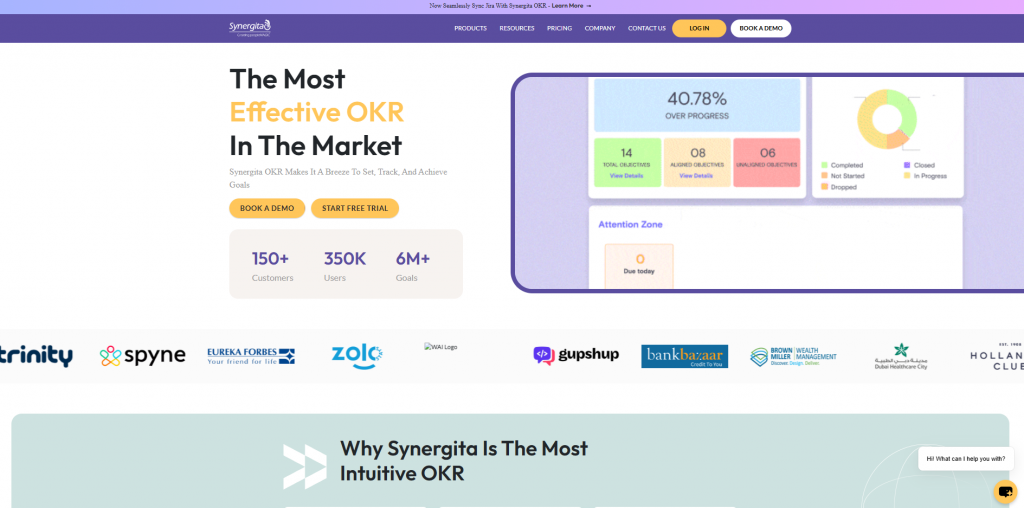
Synergita is first on the list for organizations wanting unified goal alignment, performance, and engagement in one platform. It supports continuous tracking, people insights, and scalable workflows that fit growing teams. The platform positions itself as the best OKR software for HR leaders seeking clarity and organization-wide alignment.
Key features
- Agile OKR Tracking: Clear progress indicators for every objective and key result
- Performance Management: Integrated reviews, 360 feedback, and development plans
- AI Analytics: Actionable insights that support data-driven decisions
- HRIS and Chat Integrations: Connects with Microsoft Teams, Slack, and core HR tools
- Culture and Feedback Tools: Supports continuous check-ins and positive work habits
- Configurable Dashboards: Visual views of progress, culture, and performance
Pros
- Easy deployment across teams
- Combines OKRs with performance and engagement
- Strong analytics and visualization options
Cons
- Advanced features may require onboarding
2. OKRs Tool
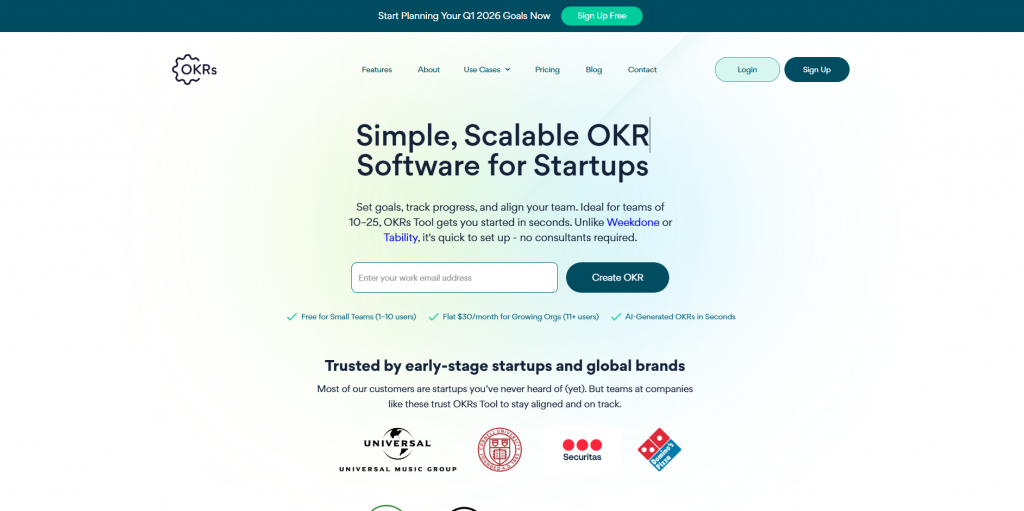
OKRs Tool ranks high for teams wanting simple goal planning without complex workflows. It fits early-stage companies that value clarity, automation, and easy alignment. The platform suits teams that want OKR software teams integration without enterprise-sized systems slowing them down.
Key features
- AI Goal Builder: Generates tailored OKRs instantly
- Goal Hierarchy: Links company, team, and individual goals
- Team-based Pricing: Affordable structure for growing teams
- Slack Updates: Real-time notifications
- Initiative Suggestions: Actionable tactics to move each key result
Pros
- Transparent public dashboards
- Unlimited OKRs
- Helpful AI-generated goals
Cons
- Not ideal for large enterprises
- Limited app integrations
3. Tability
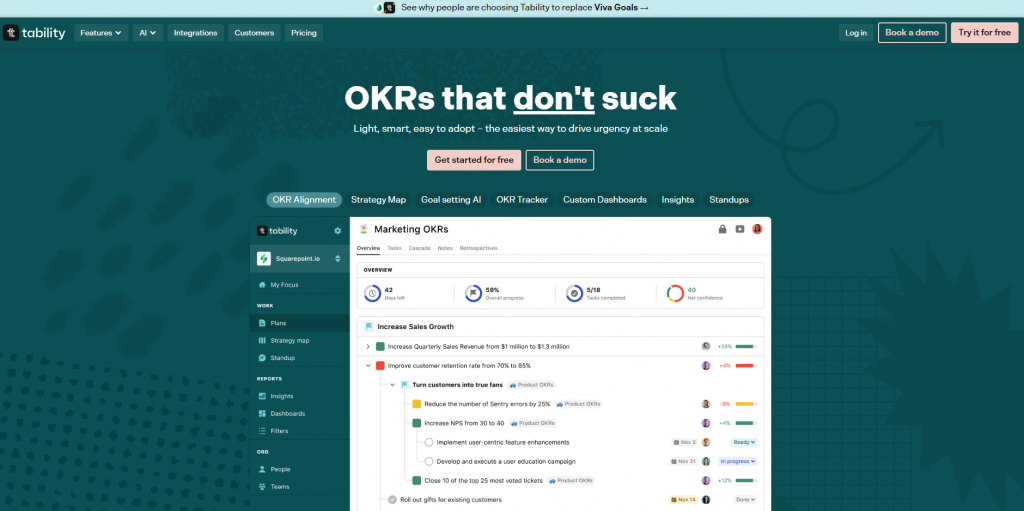
Tability is an intuitive pick for teams that want simple goal tracking without heavy structure. It focuses on weekly check-ins, progress insights, and clean dashboards that keep everyone aligned. Tability also works well as personal OKR software for individuals who want clear progress visibility.
Key features
- Live Progress Tracking: Real-time updates on key results
- Weekly Check-ins: Automated reminders and updates
- Template Library: Custom goal templates
- AI Goal Editor: Drafts OKRs from simple prompts
- Wide Integrations: Works with Slack, Jira, Asana, and more
Pros
- Strong AI suggestions
- Smooth progress visibility
- Supports multiple frameworks
Cons
- Navigation can feel limited
- Not ideal for complex goal structures
4. Weekdone
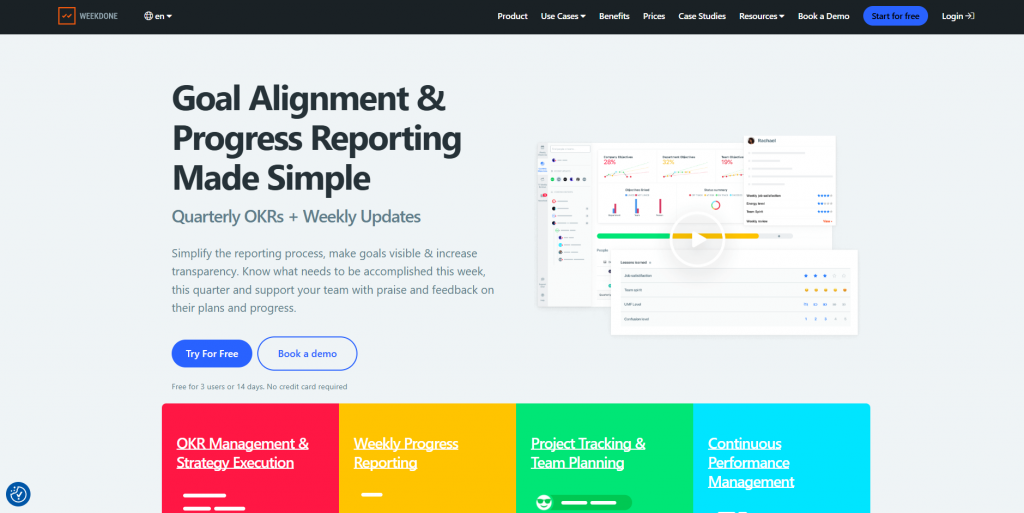
Weekdone is great for small teams that want goal tracking and weekly reporting in one place. Its simple approach helps teams focus on meaningful progress rather than complex workflows. Managers gain quick visibility into task updates and key results, while team members benefit from a clear weekly structure.
Key features
- Weekly Reports: Fast check-ins for ongoing visibility
- Goal Alignment: Team and company goals tied together
- Visual Dashboards: Clear progress charts
- Flexible Integrations: Works with Slack, Asana, Jira, and more
Pros
- OKR coaching in paid plans
- Real-time dashboards
- Strong mix of weekly and quarterly planning
Cons
- No performance review tools
- Setup may take extra time for custom views
5. Profit.co
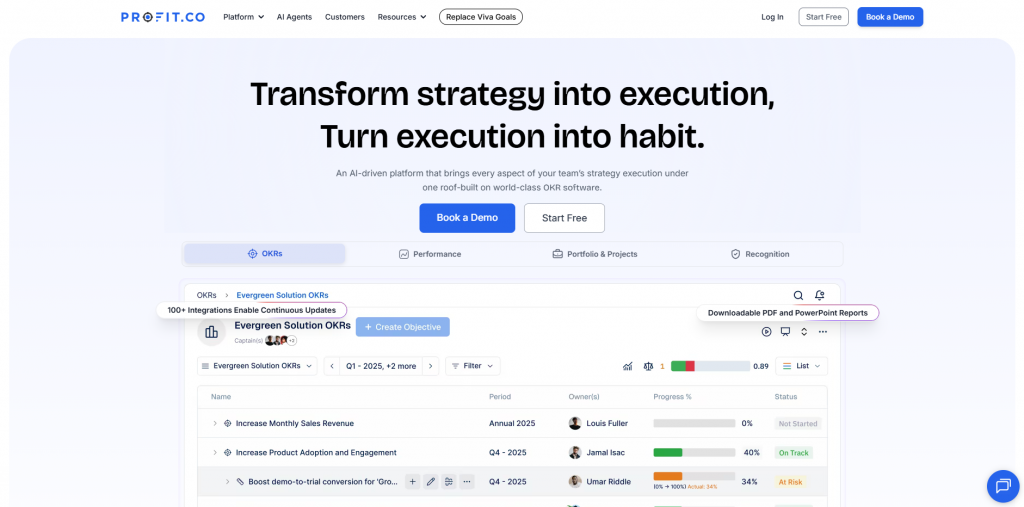
Profit.co is a solid pick for teams that want OKRs, KPIs, and performance reviews in one unified workflow. Progress visualizations, heatmaps, and cascading goals keep direction clear at every level. It works well for teams searching for the best OKR SaaS tool with structured performance workflows.
Key features
- Weighted Scoring: More accurate OKR progress calculations
- KPI Tracking: OKRs and KPIs in one workflow
- Built-in Reviews: Supports 360 feedback and performance cycles
- Visual Heatmaps: Clear progress and alignment views
- KPI Library: Over 400 ready-to-use metrics
Pros
- Helpful templates and guides
- Supports structured review meetings
- Includes OKR coaching resources
Cons
- Feature-heavy interface
- Limited language availability
6. PeopleGoal
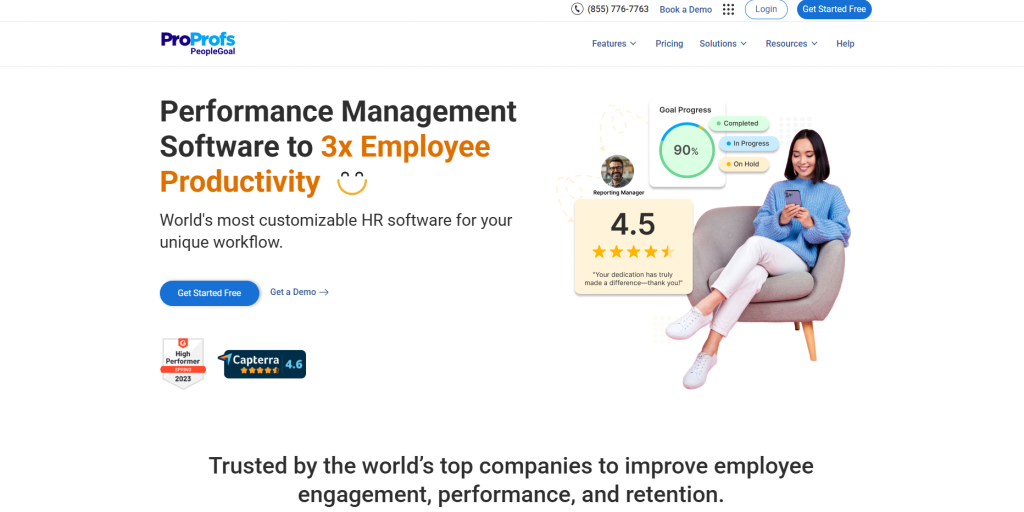
PeopleGoal helps teams set OKRs, manage feedback, and track progress through customizable workflows. Its modular setup lets organizations activate only what they need. This makes it easy to scale as teams grow and processes mature. It fits well for HR leaders who want flexibility.
Key features
- Custom Alignment: Cascading OKRs and SMART goal options
- 360 Feedback: Peer, manager, and direct-report evaluations
- HR App Store: Plug-and-play workflows for key HR needs
- System Integrations: Connects with Teams, Slack, and major HR systems
Pros
- Highly customizable workflows
- Strong goal alignment features
- Continuous check-ins are built in
Cons
- Reporting depth can feel limited
- Basic mobile experience
7. Quantive (Quantive Results)
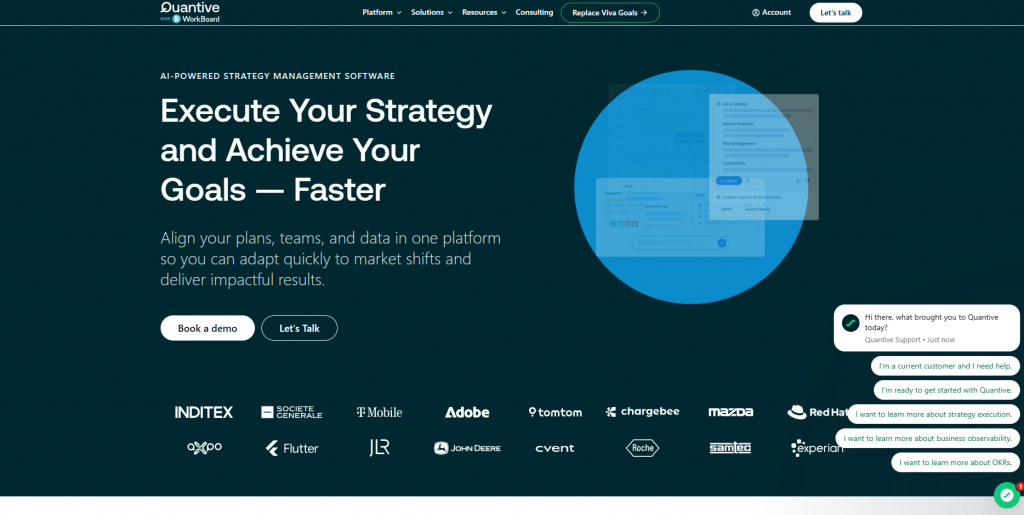
Quantive Results helps teams turn strategy into action using OKRs, dashboards, whiteboards, and confidence metrics. Its structure supports planning, execution, and adaptation in one smooth flow. This makes it useful for leaders who want to compare OKR software and track alignment across multiple levels.
Key features
- Strategic Planning: Collaborative whiteboards and OKR lists
- Dynamic Dashboards: Real-time KPIs and confidence scores
- Insightboards: Personalized views that centralize data
- Deep Integrations: Over 170 supported apps
Pros
- Highly configurable
- Responsive support team
- Strong learning resources
Cons
- UX feels simplified
- Cascading OKRs require practice
8. Betterworks
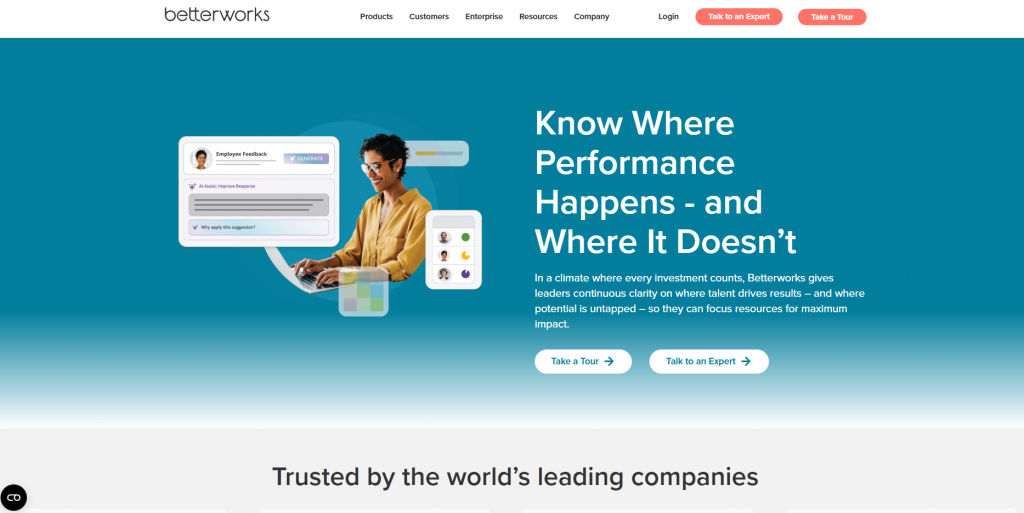
Betterworks helps companies align goals, streamline performance conversations, and increase engagement. Its tools blend OKRs, feedback, and coaching into one system. Teams gain visibility into progress and stay connected through updates, comments, and recognition. It works well for organizations seeking structured enablement.
Key features
- Goal Alignment: OKRs connected to strategy
- Continuous Feedback: Real-time coaching tools
- Engagement Insights: Analytics on performance and sentiment
- Wide Integrations: Works with Google, Microsoft, Slack, Jira, and more
Pros
- Great for structured programs
- Smooth integrations
- Strong alignment capabilities
Cons
- Might overwhelm small teams
- Limited reporting customization
9. Lattice
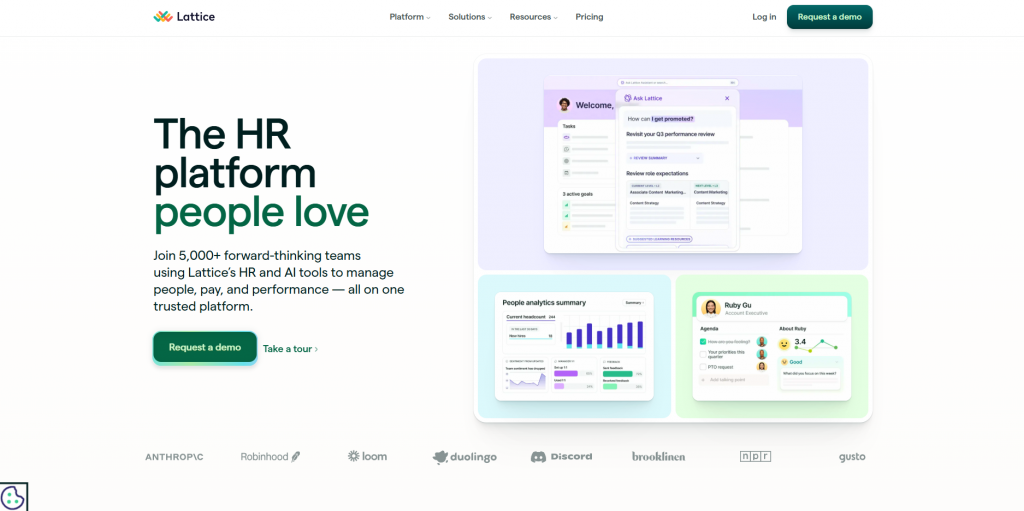
Lattice supports performance reviews, feedback, engagement, and goal tracking in one platform. Its OKR features integrate smoothly into daily routines through check-ins and reminders. Managers gain visibility into team progress, while employees stay aligned with company goals. A strong match for growing teams.
Key features
- Goal Tracking: Supports company-level OKRs
- Performance Reviews: Simplified workflows for evaluations
- Engagement Tools: Surveys and feedback features
- Data Integrations: Easy updates through connected systems
Pros
- Simple to set and track goals
- Helpful reminders
- Strong for large teams
Cons
- No individual OKRs
- UI can feel confusing
10. Leapsome
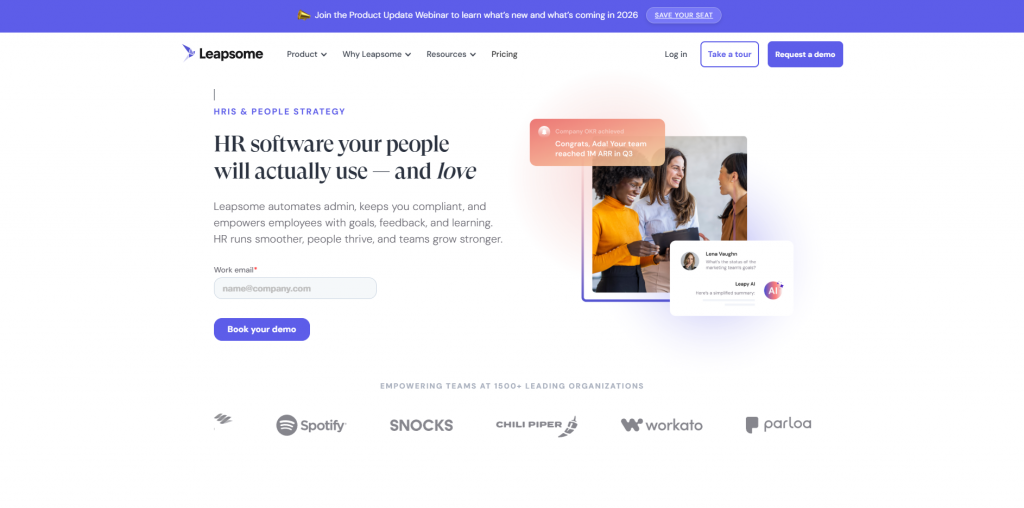
Leapsome is last on the list but still a strong choice for teams needing OKRs, engagement, and development in one platform. It supports cascading OKRs, structured feedback, and learning modules. It fits companies wanting personal OKR software that supports growth and collaboration.
Key features
- Cascading Goals: Multi-level OKR visibility
- Performance Reviews: Structured evaluations and feedback
- Learning Tools: Development paths and training modules
- Integrations: Connects with HRIS and productivity apps
Pros
- Wide feature variety
- Easy peer feedback
- Strong integration options
Cons
- Noticeable learning curve
- No mobile app
Also Read: OKR Best Practices 2026: Tips to Set and Achieve Better Goals
How Do You Choose The Right OKR Software?
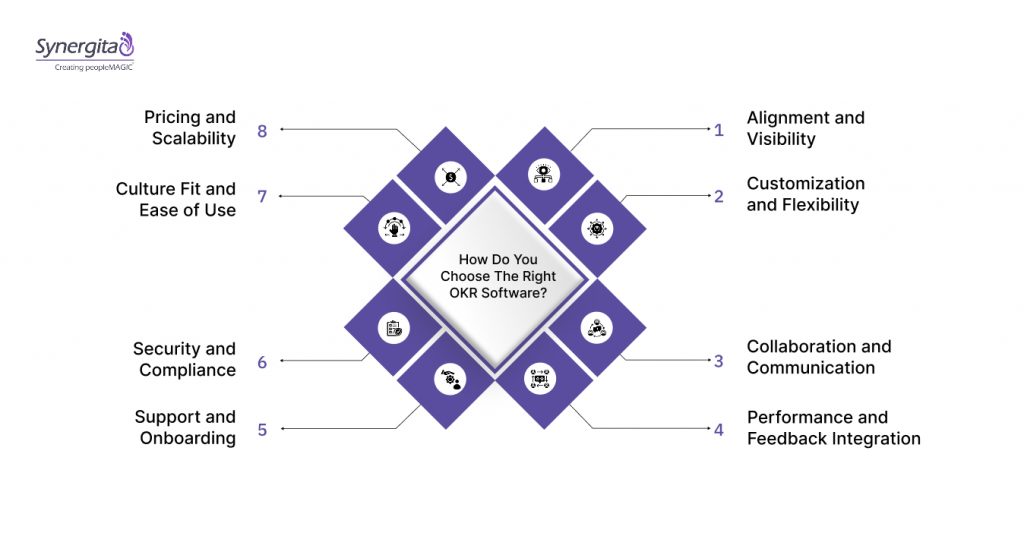
Every organization adopts OKRs for slightly different reasons. Maybe you want clearer alignment, more accountability, or better visibility across teams. Whatever your goal, the right OKR software should fit your processes, not force you to change everything overnight. Look for:
Alignment and Visibility
A strong OKR tool should help you connect goals across teams without digging through multiple dashboards. You want quick clarity on how individual work contributes to broader outcomes. Ask yourself:
- Does the tool make it easy to see how goals connect across teams?
- Can leaders check alignment without digging through multiple screens?
- Will employees clearly understand how their work impacts company goals?
Customization and Flexibility
Every organization runs goal cycles differently. Your OKR software should let you shape the process to fit your cadence, scoring style, and preferred frameworks. Ask yourself:
- Can the tool adjust to different planning cycles as your needs change?
- Does it allow custom scoring formats that suit your teams?
- Can it support different goal styles if your strategy evolves?
Collaboration and Communication
Good OKRs don’t live in isolation. Your platform should encourage conversations, updates, and cross-team alignment without adding extra administrative work. Ask yourself:
- Does the platform make regular check-ins easy to complete?
- Can teams comment, tag each other, or discuss roadblocks in one place?
- Does it send updates where your teams already communicate?
Performance and Feedback Integration
If OKRs play a role in performance discussions, your software should help, not complicate the feedback loop. You need a tool that supports consistent coaching and reflection. Ask yourself:
- Can managers review OKRs during 1:1s or check-ins?
- Does the tool support structured conversations around progress and roadblocks?
- Are peer or manager feedback features linked to OKRs?
Support and Onboarding
Even the best tool fails without proper adoption. Strong onboarding and responsive support help you build long-term success. Ask yourself:
- Will the vendor guide your setup or leave your teams figuring it out?
- Are training materials easy enough for non-technical users?
- Is support available when your teams run into roadblocks?
Security and Compliance
Goal data often touches performance insights, so the platform must protect your information at every level. Ask yourself:
- Does it meet your internal security policies and compliance needs?
- Can you manage role-based permissions for sensitive data?
- How transparent is the vendor about audits, access, and data protection?
Culture Fit and Ease of Use
Your OKR tool should support your culture, not force you into a rigid system. A user-friendly platform keeps adoption high. Ask yourself:
- Will employees understand the tool without heavy training?
- Does it support a culture of openness and accountability?
- Will teams actually want to use the platform weekly?
Pricing and Scalability
As your organization grows, your OKR system should grow with you, without blowing up your budget. Ask yourself:
- Does the plan scale logically as your headcount increases?
- Are essential features locked behind higher tiers?
- Will the tool stay cost-effective as you expand to more teams?
Once you know the answers to these questions, spotting the OKR software that truly supports your teams becomes easier and far more intentional.
Common OKR Mistakes You Should Avoid
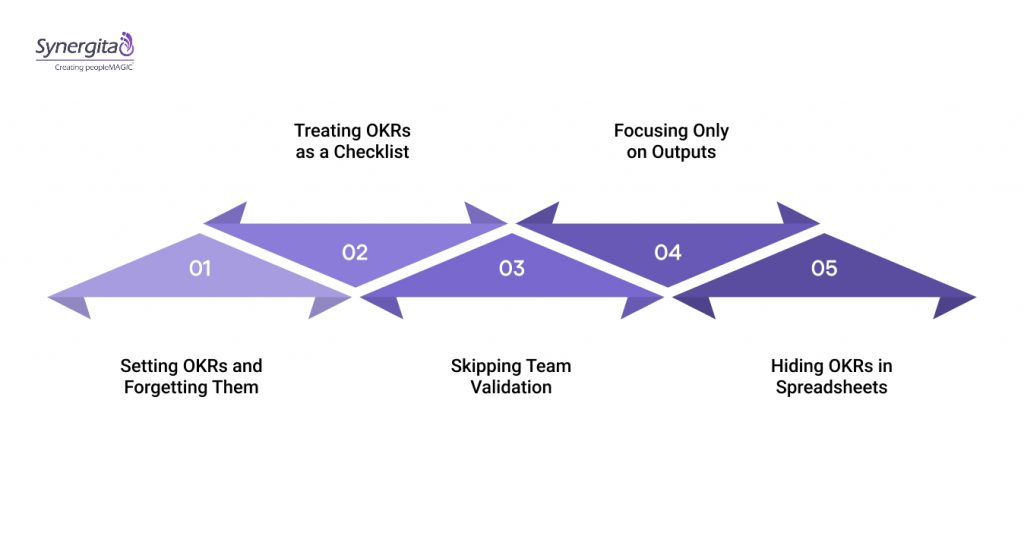
Even with the right OKR software, it is surprisingly easy to slip into habits that weaken your goals. Having said that, most issues are simple to fix once you know what to watch for. Let’s see:
1. Setting OKRs and Forgetting Them
OKRs should guide weekly priorities, not sit untouched in a dashboard. When they’re used in meetings, check-ins, and reviews, teams stay focused on the right outcomes.
- Tip: Keep OKRs visible in weekly team check-ins and 1:1s.
2. Treating OKRs as a Checklist
Some teams treat OKRs like tasks that need to be “completed.” This limits creativity and reduces the motivation behind meaningful goals.
- Tip: Anchor discussions around impact, not just completion.
3. Skipping Team Validation
Writing OKRs alone can lead to misunderstandings. When teams review OKRs together, everyone knows what success looks like.
- Tip: Open review sessions before locking in final OKRs.
4. Focusing Only on Outputs
Activities matter, but outcomes matter more. Many OKR struggles begin when teams track tasks instead of measurable results.
- Tip: Shift the mindset to “What outcome do we want?” rather than “What tasks do we need?”
5. Hiding OKRs in Spreadsheets
Static files get lost quickly. Without a central platform, teams lose visibility, and alignment suffers.
- Tip: Use OKR software as your single source of truth.
Also Read: Best Tools for OKR Management and Visualization
Final Verdict
Choosing the right OKR software can change how your teams plan, prioritize, and execute. Whether you need lightweight goal tracking or a complete performance ecosystem, the right platform gives you clarity, alignment, and momentum.
As you compare your options, focus on what will support your culture, sharpen accountability, and make goal achievement part of your team’s rhythm. Once you pair the right tool with the right habits, OKRs shift from a quarterly task to a true competitive edge.
And if you’re looking for a platform that brings goals, conversations, and performance into one smooth workflow, Synergita does exactly that. It turns OKRs into an everyday habit by giving your teams clarity they can act on. Take a quick demo and feel how alignment becomes effortless.
FAQs
1. What is OKR vs KPI?
OKRs (Objectives and Key Results) define ambitious goals and measurable outcomes to drive alignment. KPIs (Key Performance Indicators) track ongoing performance metrics. KPIs measure results, while OKRs focus on achieving strategic objectives.
2. What is the best OKR software for startups?
For startups, intuitive platforms work best. Synergita offers modular OKR tracking with performance tools, while OKRs Tool and Tability provide lightweight, easy-to-adopt solutions for small teams.
3. How does cloud-based OKR software work?
Cloud-based OKR software hosts goals online, letting teams set, track, and update objectives from anywhere. Real-time dashboards and integrations with tools like Slack or Teams keep everyone aligned.
4. What is an OKR in agile?
In agile, an OKR sets clear, measurable objectives for short cycles while remaining flexible. It aligns sprint goals with company priorities, focusing on outcomes rather than just tasks.