
A tech company introduces OKRs to more than 200 employees, expecting better alignment from day one. Three months later, team leads are rushing to update their metrics just before the quarterly review. By then, targets have slipped, blockers have built up, and there’s little time left to get things back on track.
This situation is avoidable. Even the best goals can fall behind when teams wait until quarter-end to review progress. A weekly OKR check-in helps teams track progress, spot problems early, and take action while there is still time to improve results.
This guide shows you how to structure check-ins, decide what deserves attention, and turn each meeting into clear actions for the week ahead.
| TL;DR Run weekly OKR check-ins around Key Result progress, risks, blockers, and next actions. Update metrics before the meeting so the discussion focuses on decisions and problem-solving. Identify and address at-risk objectives, assign clear owners to recovery actions, and review leading indicators before problems turn into missed quarterly targets. Use a shared OKR workflow to keep progress current, connect dependencies, and reduce time spent chasing updates. |
| Table of contents 1. What is an OKR check-in? 2. What is the importance of weekly OKR check-ins? 3. What should you prepare before an OKR check-in? 4. How to run a weekly OKR check-in in 4 steps? 5. What are the top 10 OKR weekly check-in best practices? 6. 4 Common mistakes to avoid in OKR check-ins 7. How can Synergita help move from manual OKR tracking to strategic execution? 8. Final takeaway 9. Frequently asked questions |
What is an OKR check-in?
An OKR check-in is a brief, scheduled meeting to review progress against Key Results. It is not a general status update or a time to list every completed task. The focus is on data, roadblocks, and confidence levels regarding quarterly goals.
Teams assess whether their current actions are improving the agreed-upon metrics. This discipline enables teams to course-correct early when strategies fail to produce the expected results. It ensures that daily work stays connected to the broader company mission.
What is the importance of weekly OKR check-ins?
Weekly OKR check-ins help teams spot risks early, remove blockers, keep owners accountable, and adjust priorities before missed Key Results affect quarterly goals. They give managers a regular point to compare actual progress with targets and decide what needs to change next.
APQC’s 2025 research found that 82% of employees say their goals are clear and understandable, while also identifying frequent supervisor check-ins and personalized feedback as important parts of effective performance management.
Regular syncs strengthen performance by:
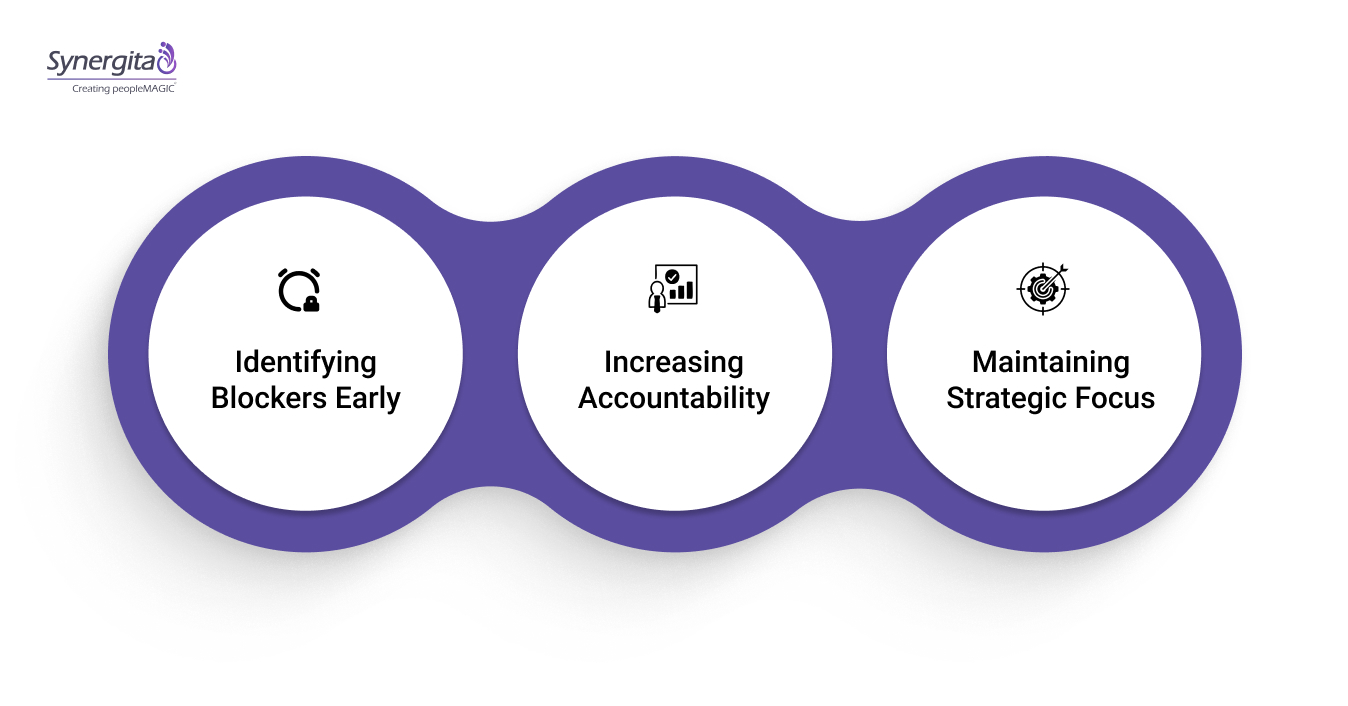
1. Identifying blockers early
You can identify resource gaps or technical issues early, giving leadership time to reallocate resources while problems are still manageable.
2. Increasing accountability
Team members take greater ownership of their Key Results when they review and report on progress each week. It eliminates ambiguity about who is responsible for which metric. Transparency makes ownership and accountability clear across the team.
3. Maintaining strategic focus
Routine check-ins prevent urgent day-to-day work from overshadowing long-term priorities.. They help the team prioritize high-impact work over low-value tasks and ensure resources are directed toward the most critical objectives.
What should you prepare before an OKR check-in?
An OKR checklist helps teams prepare the essential information before each review, including updated Key Results, confidence scores, and blockers that need attention. A consistent OKR goal setting framework makes it easier to evaluate whether weekly progress is connected to broader business objectives.
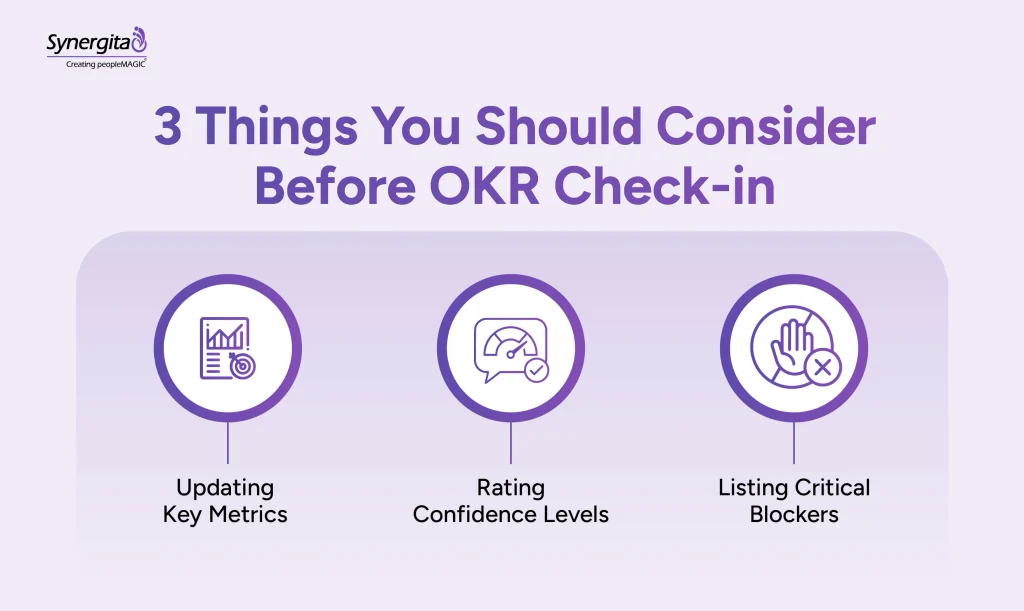
Ensure your team arrives ready by:
1. Updating key metrics
Participants must input current data points into the tracking system before the meeting starts. No one should waste time calculating numbers during the call. The dashboard must reflect the latest progress status before the meeting begins.
2. Rating confidence levels
Assign a simple color code or score to each Key Result. This immediately highlights which Key Results require discussion or intervention. It focuses the conversation on the “Red” items.
3. Listing critical blockers
Attendees should prepare a concise list of obstacles preventing progress. This keeps the conversation focused on solutions and helps address issues efficiently.
Also read:How to Handle a Performance Review Effectively
How to run a weekly OKR check-in in 4 steps?
Run an OKR weekly check-in by reviewing previous commitments, checking Key Result progress, addressing at-risk objectives, and assigning clear priorities for the coming week. Keep the discussion focused on data, decisions, blockers, and actions rather than task-by-task updates.
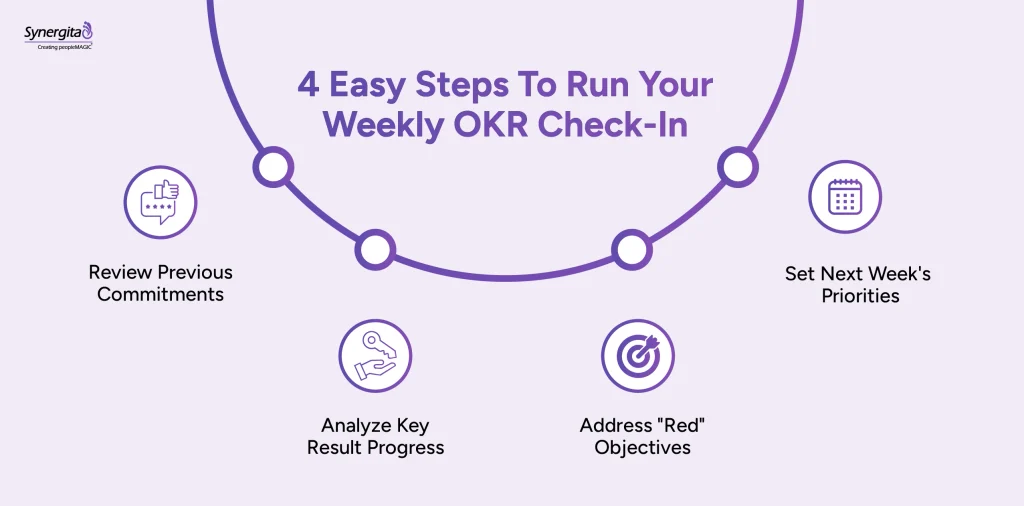
Execute the meeting efficiently using these steps:
1. Review previous commitments
Start by checking whether the team completed the specific actions committed to last week. This builds a culture of reliability and follow-through. It ensures that plans translate into action.
2. Analyze key result progress
Look at the actual data movement for the primary metrics. Discuss why numbers went up or stayed flat. Ground every claim in the data displayed on the dashboard.
3. Address “red” objectives
Focus the bulk of the discussion on goals that are falling behind. Identify immediate actions that can improve progress on these objectives. Do not spend time reviewing “green” objectives in detail while ignoring those that require attention.
4. Set next week’s priorities
Define the top three actions that will impact the Key Results over the next five days. Ensure these tasks directly influence the numbers. Assign clear owners to each action.
Suggested reading:The Strategic Purpose of Performance Management: Boost Growth & Engagement
What are the top 10 OKR weekly check-in best practices?
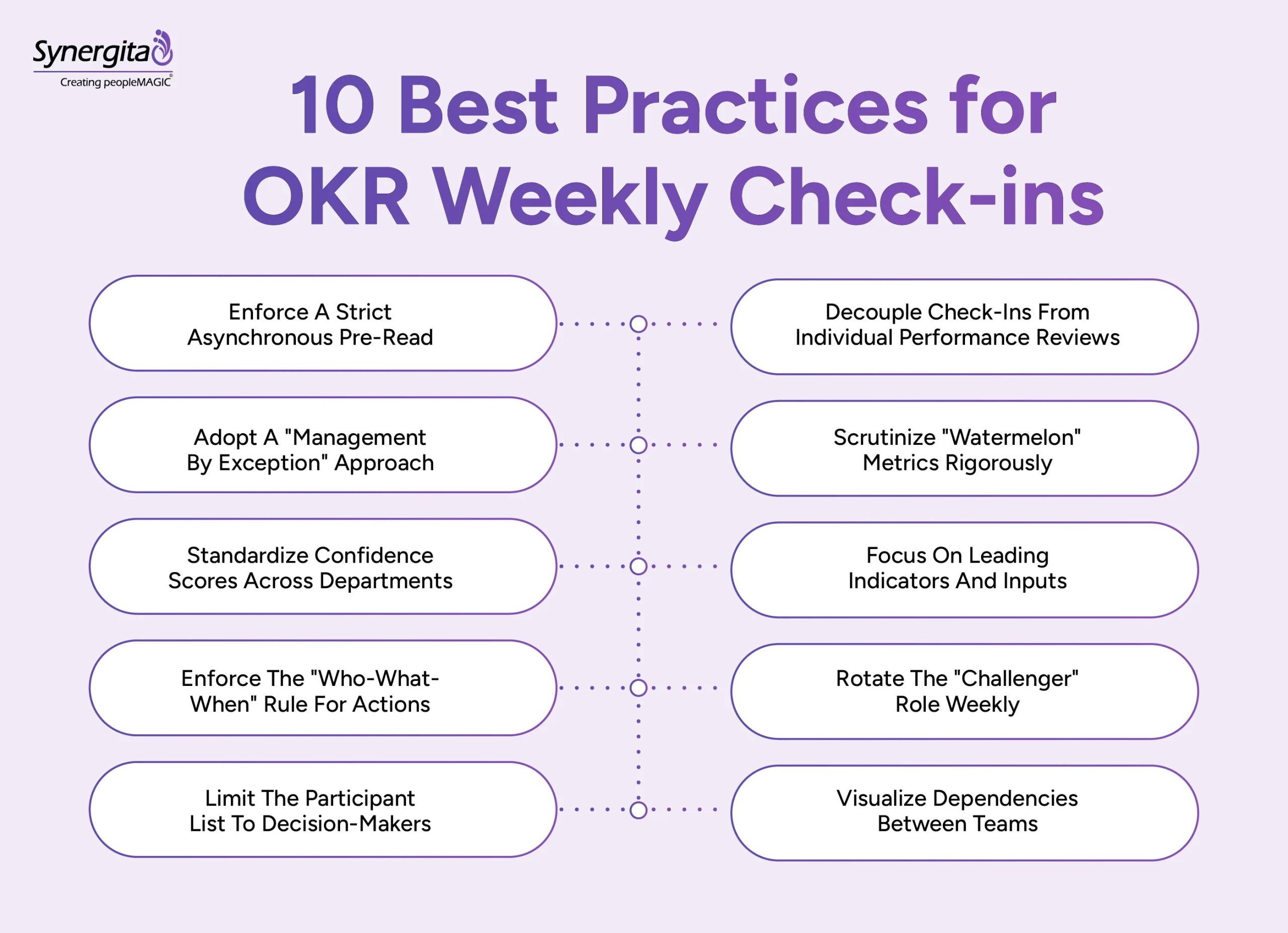
The most effective OKR check-ins focus on current data, at-risk Key Results, blockers, and clear next actions. Use these 10 practices to keep weekly reviews short, focused, and useful for decision-making.
PwC’s yearlong study of 12,000 employees found that people who regularly set modest short-term goals were more likely to achieve broader performance targets. This supports the value of breaking larger quarterly objectives into smaller, regular progress points.
1. Enforce a strict asynchronous pre-read
Require data entry and status updates to happen 24 hours before the meeting starts. This ensures the live session focuses exclusively on problem-solving and decision-making. Using the meeting for data entry wastes valuable leadership time.
Why this works:
- Eliminates the “meeting that could have been an email” frustration.
- Increases decision velocity by jumping straight to the critical issues.
- Forces team members to own their numbers before walking into the room.
2. Separate check-ins from performance reviews
Employees may hide problems or lower their reported progress if they fear these meetings affect performance evaluations or bonuses. You need accurate data to make informed decisions, not a report designed only to satisfy management expectations. Frame these sessions as working discussions focused on progress and problem-solving, not performance evaluations.
Why this works:
- Ensures data integrity by removing the fear of punishment.
- Encourages teams to set ambitious “stretch” goals without risk.
- Builds psychological safety, allowing for faster error correction.
3. Use a management-by-exception approach
Skip the metrics that are clearly on track and require no intervention. Devote the meeting’s attention to unblocking specific Key Results that are “at risk” or “behind.” This keeps discussions focused and prevents meetings from becoming unnecessarily long.
Why this works:
- Helps leaders focus attention on high-priority issues.
- Prevents meeting fatigue by keeping the energy high and focused.
- Signals that “Green” status generally requires less intervention, while “Red” status indicates where support is needed.
4. Scrutinize “watermelon” metrics
Challenge metrics that look “Green” on the outside but are “Red” on the inside. A Key Result might show progress, but the underlying quality or sustainability might be failing. Ask probing questions to uncover structural issues that may be hidden behind surface-level metrics.
Why this works:
- Prevents late-quarter surprises where “completed” goals yield no business value.
- Uncovers root cause issues regarding quality or technical debt.
- Ensures that speed does not compromise the long-term health of the project.
5. Standardize confidence scores
Ensure that “70% confidence” means the same thing to engineering as it does to sales. A lack of shared understanding about risk definitions can lead to miscommunication and delays. Calibrate these definitions early to ensure everyone assesses risk accurately.
Why this works:
- Removes subjectivity and “gut feeling” from risk assessment.
- Enables leadership to compare performance accurately across different functions.
- Aligns expectations so resources can be deployed objectively.
Also read: Easy 360 Degree Appraisal Sample You Can Start Using Today
6. Focus on leading indicators
Discuss future probabilities and current activities rather than dwelling only on past results. You cannot change past results, but you can influence future outcomes through current actions. Shift the conversation to what will happen, not just what did happen.
Why this works:
- Enables agility and course correction before the deadline passes.
- Shifts the mindset from analyzing past failures to preventing future ones.
- Empowers the team to control their outcomes rather than just reporting them.
7. Apply the “who-what-when” rule
Reject vague commitments like “I will look into it” or “We will try to fix it.” Leave the meeting with clear owners, specific recovery actions, and defined deadlines. Accountability evaporates without precise ownership attached to every recovery plan.
Why this works:
- Closes the execution gap between strategy and reality.
- Eliminates ambiguity regarding who is responsible for the next step.
- Creates a culture of reliability and high-integrity commitments.
8. Rotate the “challenger” role
Assign one person to ask challenging questions about the data and validate the proposed plans. This prevents groupthink and ensures the team doesn’t become complacent with mediocre results or vague explanations. It normalizes constructive conflict as a tool for improvement.
Why this works:
- Prevents groupthink and exposes blind spots in the strategy.
- Trains future leaders to think critically and ask probing questions.
- Normalizes healthy conflict as a tool for improvement, not an attack.
9. Limit participants to decision-makers
Invite only the core team members who own the Key Results and can authorize changes. Larger meetings can become one-way status updates, making it harder for participants to engage in meaningful discussion. You need a small, agile group capable of pivoting strategy in real time.
Why this works:
- Increases candor, as people speak more freely in smaller groups.
- Speeds up the meeting by reducing the number of voices and opinions.
10. Visualize cross-team dependencies
Explicitly discuss how a delay in one Key Result impacts other departments or objectives. Siloed check-ins can miss the downstream effects of a missed target. This improves cross-functional alignment and helps teams address dependencies before they become blockers.
Why this works:
- Prevents “siloed successes” where one team wins but the company fails.
- Fosters collaboration by highlighting shared risks and goals.
- Improves predictability for product launches and major initiatives.
Cross-team dependencies are hard to track by memory alone. A visual OKR check-in tool that maps how objectives connect can reveal these ripple effects before they cause delays.
4 common mistakes to avoid in OKR check-ins
Using an OKR checklist can also prevent teams from missing important discussion points and ensure every meeting covers progress, risks, and next actions. Avoiding these issues keeps weekly reviews focused on progress and action.
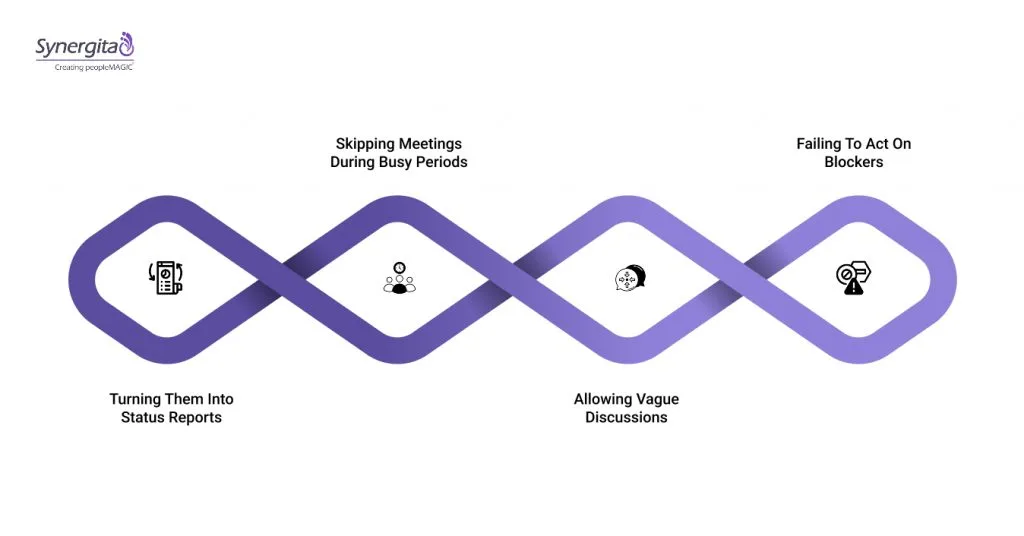
1. Turning check-ins into status reports
The check-in becomes a one-way monologue of updates from each person. This wastes time and fails to generate collaborative problem-solving. The facilitator should keep the discussion participatory and focused on problem-solving.
2. Skipping check-ins during busy periods
Teams cancel check-ins when under delivery pressure, which is counterproductive. This is precisely when alignment and blocker removal are most critical. Treat the weekly cadence as a priority, especially during busy periods.
3. Allowing vague discussions
Conversations lack specificity, using phrases such as “still working on it.” This prevents the team from understanding real progress or concrete obstacles. Require participants to quantify progress and specify blockers.
4. Ignoring identified blockers
Teams identify impediments but take no concrete steps to resolve them. This erodes trust in the process and creates frustration and reduces trust over time. Every documented blocker should have a clear owner and next step.
Leaders may spend too much time reconciling outdated data instead of solving current problems. A shared tracking system keeps information current and allows check-ins to focus on decisions and next steps.
How can Synergita help move from manual OKR tracking to strategic execution?
Synergita helps teams replace manual OKR updates with a shared workflow for tracking progress, identifying risks, managing blockers, and following up on actions. This gives managers a current view of Key Results before each check-in, so meeting time can focus on decisions and course correction.
Mercer’s 2025 survey of more than 500 US employers found that at least three in four have a formal goal-setting process, while most allow employees to update goals throughout the year. This makes current, accessible goal data increasingly important for ongoing reviews.
Synergita gives teams a shared workspace for tracking OKRs and running weekly check-ins. Progress updates, confidence levels, blockers, and follow-up actions stay connected to the objectives they affect, so the conversation can move quickly from “Where are we?” to “What needs to change?”
Teams can use Synergita to:
- Automated progress tracking: Sync goals with work tools to update Key Results automatically.
- Visual alignment maps: See how team and individual goals connect to company objectives instantly.
- Integrated meeting agendas: Build and run check-in agendas directly within the platform, linking discussions to specific OKRs.
- Blocker logging and resolution: Tag, assign, and track impediments to closure without switching contexts.
- Real-time dashboards: Provide everyone with a single source of truth for goal progress and priorities.
An OKR check-in tool gives teams a centralized place to review progress, track blockers, and keep discussions connected to measurable objectives. This makes the weekly check-in part of the execution workflow rather than another meeting that requires manual preparation.

Final takeaway
A weekly OKR check-in only creates value when it helps your team act before small gaps become missed targets. Without a reliable cadence, outdated data, unresolved blockers, and unclear ownership can cost weeks of execution time and leave leaders reacting too late. A structured check-in process saves managers time by putting current progress, risks, and next actions in one view.
Book a demo and see how Synergita’s OKR module supports weekly check-in processes, helping your team spend less time chasing updates and more time taking action.
Frequently asked questions
Limit these meetings to 25-30 minutes. This timeframe forces focus on the most critical updates and blockers. Longer meetings tend to lead to unproductive tangents and status reporting.
The core team working on the objectives must attend. This includes the goal owner, key initiative owners, and any cross-functional partners. Keep the group small enough to maintain a focused discussion.
Enforce a rule that all status updates are reviewed before the meeting. Dedicate the live session entirely to analyzing progress and solving problems. The facilitator must steer the conversation away from pure narration.
Investigate the root cause rather than simply noting the lack of progress. Ask if the key result is still relevant, if initiatives are ineffective, or if external blockers exist. Use the data to decide whether to pivot or persevere.
Resist this temptation to preserve the unique focus of the OKR conversation. Pairing it with operational or project meetings tends to dilute the strategic purpose. Protect this dedicated time for goal-specific dialogue.
Start by reviewing each Key Result’s progress and confidence score. Compare actual performance against the target, focus on at-risk objectives, document blockers, and assign an owner to each priority action before the meeting ends.
Push all data entry and status updates to before the meeting through an async pre-read. Open the live session by identifying the “Red” objectives, spend most of the time addressing them, and close with three owned actions for the coming week. If the conversation drifts into a list of completed tasks, redirect it back to blockers and decisions.
When updates live in scattered spreadsheets, the numbers everyone sees in the meeting may already be outdated. That lag pushes the conversation toward reconciling data instead of solving problems, and it hides “at risk” objectives until they’re already behind.