Quick summary
- When comparing HR software for small businesses, start with employee records, leave management, onboarding, and pricing
- Companies with international teams should check country coverage, payroll services, and contractor management.
- Organizations focused on employee development should assess performance reviews, feedback, and goal management.
- Before buying, check integrations, reporting, data security, implementation costs, and plan limitations.
Your HR software should reduce the work involved in managing employees. But what happens when your team still relies on spreadsheets for employee records, handles leave requests manually, or needs separate tools to manage performance reviews despite having an HR platform?
The problem may be a mismatch between your business needs and the software you’ve chosen. Some platforms focus on payroll and employee administration, while others support on boarding, employee development, and performance reviews. The best option depends on your workforce, existing HR processes, and budget.
This guide compares 8 HR platforms to help you find the best employee management software for your workforce, budget, and HR processes.
| Table of contents 1. What are the top HR software for 2027? 2. How to choose the best HR software? 3. Final takeaway 4. Frequently asked questions |
What are the top HR software for 2027?
HR software covers several areas, including employee information management, payroll, onboarding, workforce administration, and performance management. Some platforms offer broad HR functionality, while others focus on specific employee management needs.
HR software varies in scope, from core employee administration and payroll to performance management and international hiring. The table below compares 8 platforms by their main use case and differentiator to help you identify suitable options.
| HR software | Best for | Main differentiator |
| 1. Synergita | Performance-focused organizations | Performance reviews, feedback, and goal management |
| 2. BambooHR | Small and midsize organizations | Employee records and HR lifecycle workflows |
| 3. Rippling | Businesses connecting HR and IT | Workforce administration linked to IT operations |
| 4. Gusto | Small US businesses | Payroll and tax administration |
| 5. Deel | International teams | Global employment and contractor management |
| 6. HiBob | Growing midsize organizations | People analytics and employee experience |
| 7. ADP Workforce Now | Midsize businesses | Payroll and workforce administration |
| 8. Workday HCM | Large organizations | Enterprise talent management and workforce planning |
1. Synergita
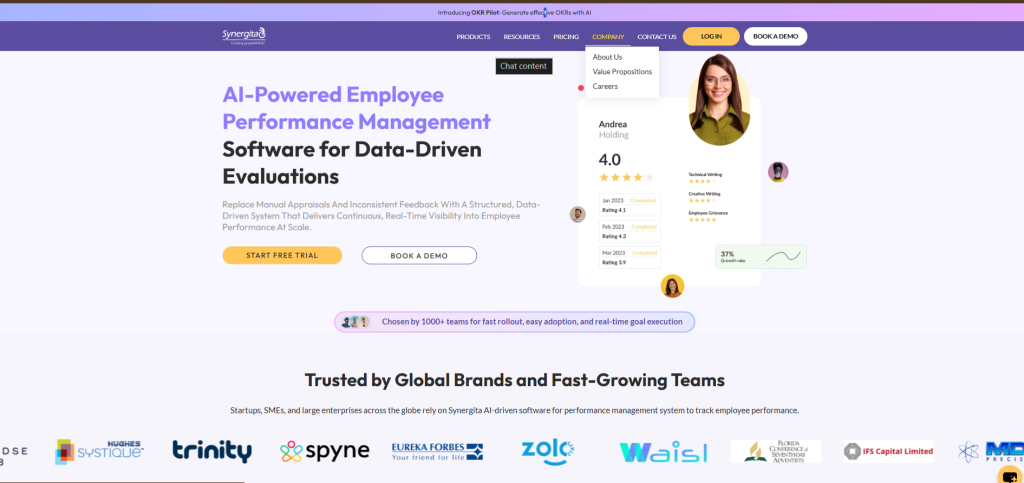
Synergita offers HR software for performance management that helps HR teams conduct performance reviews, analyze employee performance, encourage continuous feedback, and plan employee development. It is a suitable option for businesses that want structured performance processes without adopting a large enterprise HCM platform.
What differentiates Synergita
- Structured performance reviews: Configure appraisal cycles, review forms, and performance workflows to suit your organization’s review process.
- Employee engagement: Use feedback and engagement capabilities to gather employee input alongside performance reviews.
- Transparent pricing and affordable plans: Offers simple per user pricing and plans starting at $2 per user per month
Best for: Organizations that want a structured, affordable, and user-friendly HR tool with employee feedback, and goal alignment.
Pricing: Synergita offers flexible pricing plans based on your business needs and the performance management and employee engagement features you require.
- Engage: $2 per user/month
- Perform: $4 per user/month
- Perform Plus: $7 per user/month
- 7-day free trial is available
Consider Synergita if: Your business needs a structured performance management solution at competitive pricing.
2. BambooHR
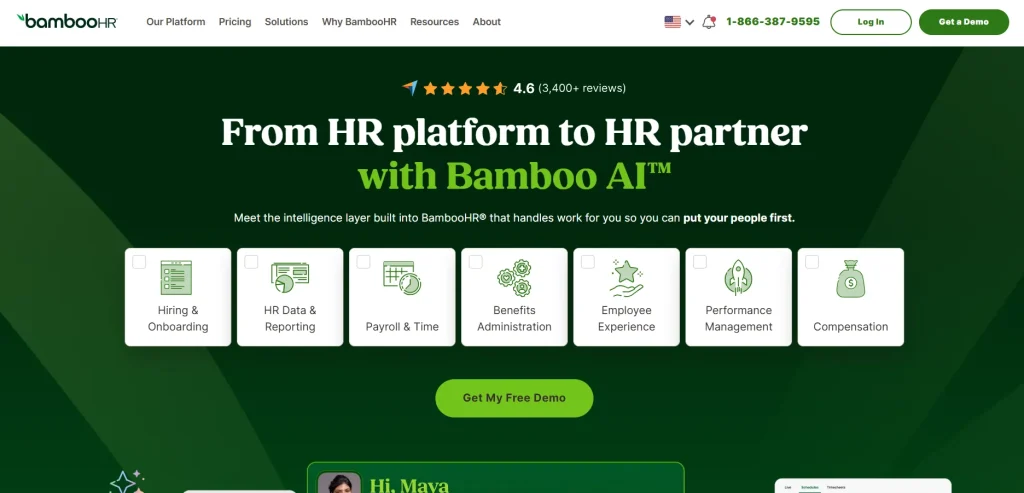
Best for: Small and midsize organizations that want a centralized HR system.
BambooHR helps HR teams maintain employee information and manage processes across the employee lifecycle. Its core appeal is the employee database and the workflows built around joining, managing, and offboarding employees.
BambooHR’s performance management capabilities may feel limited for organizations with advanced requirements. Businesses looking for continuous 360-degree feedback or detailed OKR tracking may need additional tools to support their processes.
What differentiates BambooHR
- Centralized employee records: Keep employee information and organizational details in one system.
- Employee lifecycle workflows: Manage onboarding and offboarding processes through supported workflows.
- HR reporting: Access employee information and reports to support routine HR decisions.
- Additional HR capabilities: Performance management and employee experience features are available depending on the product and plan selected.
Pricing: Pricing starts at $10.25/employee/month for larger teams.
Consider BambooHR if: Your team needs a dedicated HR system for employee information and lifecycle processes. If payroll, international employment, or performance management is your main buying requirement, confirm the available functionality before deciding.
3. Rippling
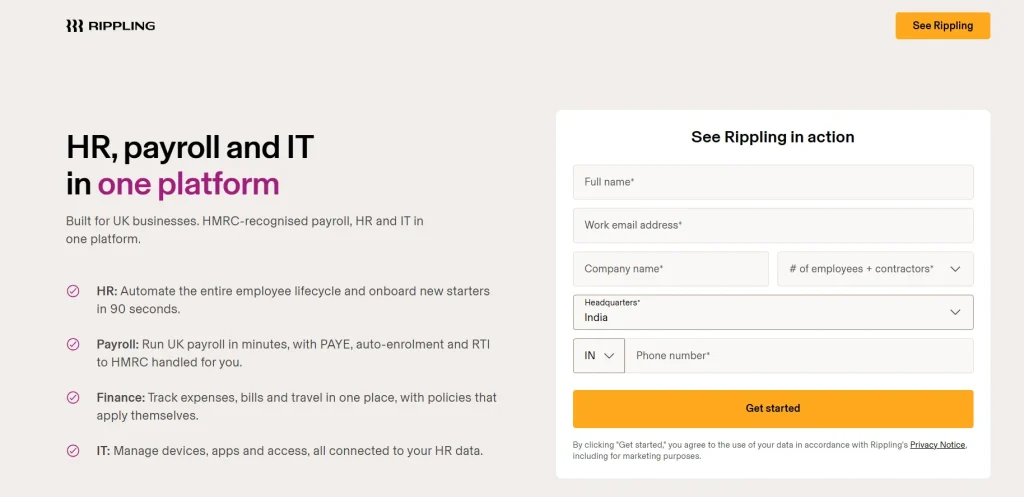
Best for: Businesses that want to connect HR administration with IT operations.
Rippling connects workforce administration with IT and other business systems. When a company hires or offboards an employee, related workflows can extend beyond HR to supported application access and device management processes. Rippling’s interconnected workflows can create risks when employee data is entered incorrectly.
What differentiates Rippling
- HR and IT in one platform: Connect employee records with supported IT administration functions.
- Application access management: Manage employee access to business applications through its identity and access capabilities.
- Device management: Coordinate supported device administration with employee lifecycle processes.
- Modular product selection: Add products based on business requirements rather than assuming every company needs the same package.
Pricing: Starts at $8/employee/month, plus a base fee; custom quote required.
Consider Rippling if: Your organization wants to coordinate HR processes with IT provisioning, application access, and device administration. Compare the cost of the required modules rather than relying on the starting price alone.
4. Gusto
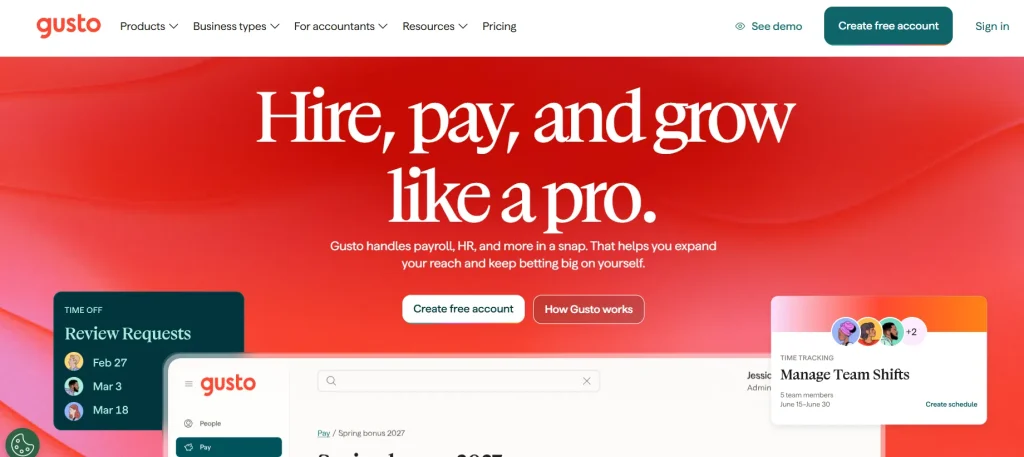
Best for: Small US businesses that need payroll and related HR capabilities.
Gusto focuses on US payroll, tax filings, and employee pay administration, with additional HR capabilities depending on the plan. It is a practical option for businesses that want payroll to be the starting point of their HR system.
Its time-tracking and scheduling capabilities may fall short for businesses with complex workforce requirements. Organizations managing multiple shift differentials, union-specific rules, or demanding manufacturing schedules may need a more specialized workforce management solution.
What differentiates Gusto
- Payroll and tax administration: Run payroll and manage supported tax filings and payments.
- US benefits administration: Access benefits-related capabilities available to eligible businesses and plans.
- Multi-state payroll: Higher-tier plans support payroll needs across multiple US states.
- Plan-based expansion: Move to plans with additional time tracking, scheduling, and HR support as requirements change.
Pricing: Plans start at $49/month plus $6 per person. These are US-focused payroll plans.
Consider Gusto if: You operate a small US business and want payroll and related HR processes in one platform.
5. Deel
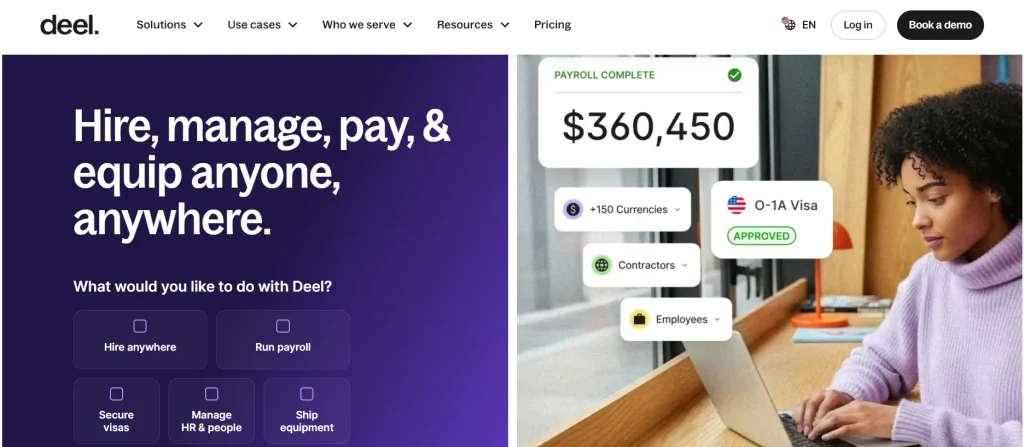
Best for: Companies hiring and managing employees or contractors across countries.
Deel focuses on international workforce management. Its product range includes contractor management, global payroll, and employment services for businesses hiring across borders.
Deel’s contract amendment process can be time-consuming for businesses that frequently change employee compensation, job titles, or employment terms. Adjustments to compensation structures, job titles, or other employment terms may require additional review by local legal teams, delaying updates.
What differentiates Deel
- International contractor management: Manage contractor information, agreements, and payments through supported services.
- Employer of Record services: Hire employees in countries where your company may not have its own legal entity, subject to Deel’s country coverage and service terms.
- Global payroll: Access payroll services for eligible international entities and workforce arrangements.
- Country-specific employment support: Evaluate employment and compliance requirements through the relevant service offering.
Pricing: Contractor management starts at $49/contractor/month; other services are priced separately.
Consider Deel if: Your company employs contractors or hires internationally and needs support for cross-border workforce operations. If your needs are limited to local employee records and performance reviews, a broader international employment platform may be more than you need.
6. HiBob
Best for: Growing midsize organizations that need connected HR processes and employee experience tools.
HiBob provides HR software for businesses managing employee information, organizational structures, and people processes as their workforce grows. It combines core HR administration with capabilities designed to help HR teams understand workforce trends and employee experience.
HiBob may require integration with a separate payroll provider to support payroll processing. Businesses depending on third-party integrations should account for additional software costs and the risk of data discrepancies when employee information does not sync correctly.
What differentiates HiBob
- People analytics: Use available reports and workforce data to examine employee and organizational trends.
- Organizational management: Maintain employee information and organizational structures as teams change.
- Employee experience: Support HR processes and employee-facing workflows through the platform.
- Configurable HR processes: Evaluate how the platform supports your organization’s policies and approval workflows.
Pricing: HiBob provides pricing based on company requirements. Contact its sales team for a quote covering the selected modules and workforce size.
Consider HiBob if: Your company is growing and needs a centralized HR platform with people analytics and employee experience capabilities. Compare its reporting and configuration options against the actual decisions your HR team needs to make.
7. ADP Workforce Now
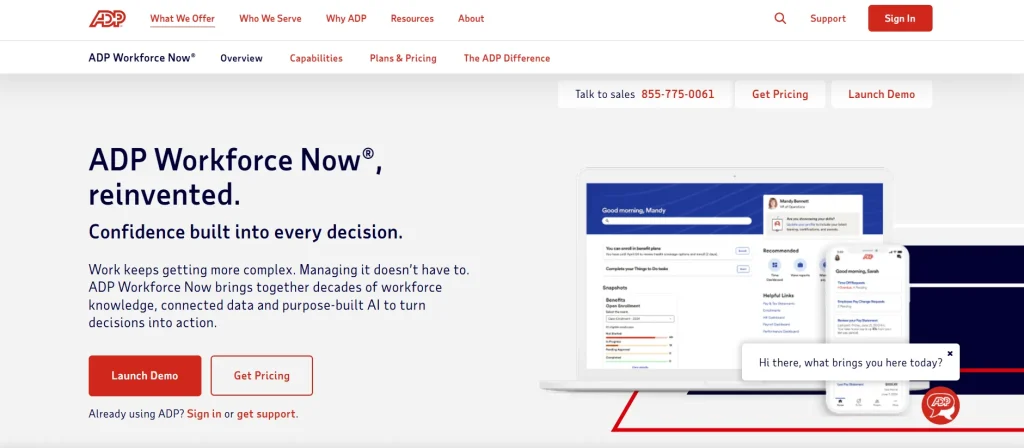
Best for: Midsize businesses that need payroll and broader workforce administration.
ADP Workforce Now brings HR, payroll, benefits, and other workforce functions into one platform. It is relevant to businesses that want to manage payroll alongside employee administration and related HR processes.
ADP Workforce Now’s customer support can be inconsistent. Businesses may experience slow response times or need to coordinate with multiple departments to resolve payroll and HR-related issues.
What differentiates ADP Workforce Now
- Payroll and tax administration: Support payroll processing and related tax workflows.
- Benefits administration: Manage supported employee benefits processes.
- HR and employee data: Maintain workforce information alongside payroll and HR activities.
- Workforce reporting: Use available reporting capabilities to review employee and workforce information.
Pricing: ADP Workforce Now uses quote-based pricing. Request a quote based on your employee count, required modules, and implementation needs.
Consider ADP Workforce Now if: Your midsize business needs payroll and broader workforce administration in one system. Ask which features are included in the proposed package and whether implementation, support, or additional modules affect the total cost.
8. Workday HCM
Best for: Large organizations with complex workforce and talent management requirements.
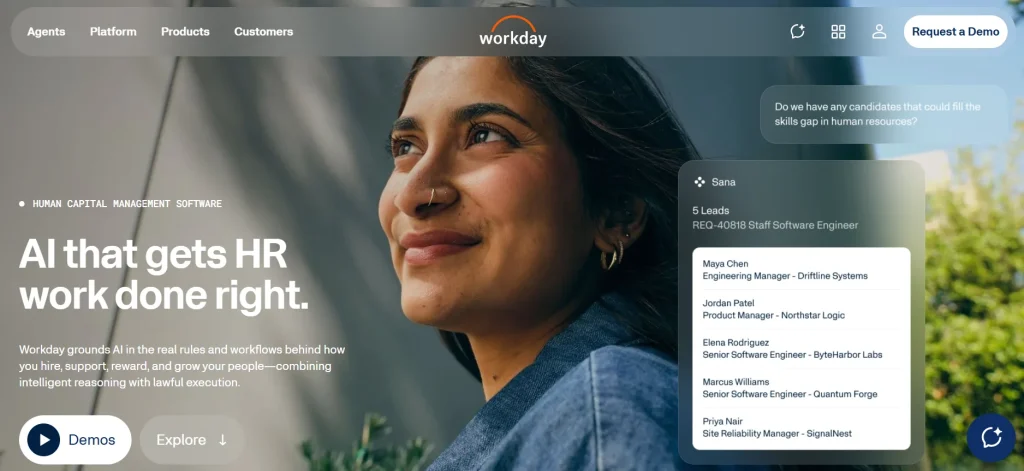
Workday Human Capital Management (HCM) supports enterprise HR processes, workforce data management, talent management, and organizational planning. It is intended for organizations that need to manage people and workforce information across complex structures.
Workday HCM can require considerable time and resources to implement and configure. Businesses may need dedicated administrators or third-party consultants to manage initial setup, integrations, and advanced custom reporting.
What differentiates Workday HCM
- Enterprise HCM: Manage workforce information across organizational structures.
- Talent management: Support talent and employee development processes through available modules.
- Workforce analytics: Use workforce data to inform HR and organizational decisions.
- Workforce planning: Evaluate staffing requirements and organizational needs through planning capabilities.
Pricing: Workday provides pricing based on the products, workforce size, and implementation requirements. Contact the vendor for a quote.
Consider Workday HCM if: Your organization needs enterprise HR capabilities and workforce planning across multiple teams or business units. Assess implementation scope, integrations, and internal administration requirements before committing.
How to choose the best HR software for your company?
The best HR software should support your current processes and give your team the tools it needs to manage employees. Assess each platform against your HR priorities, reporting needs, and available resources.
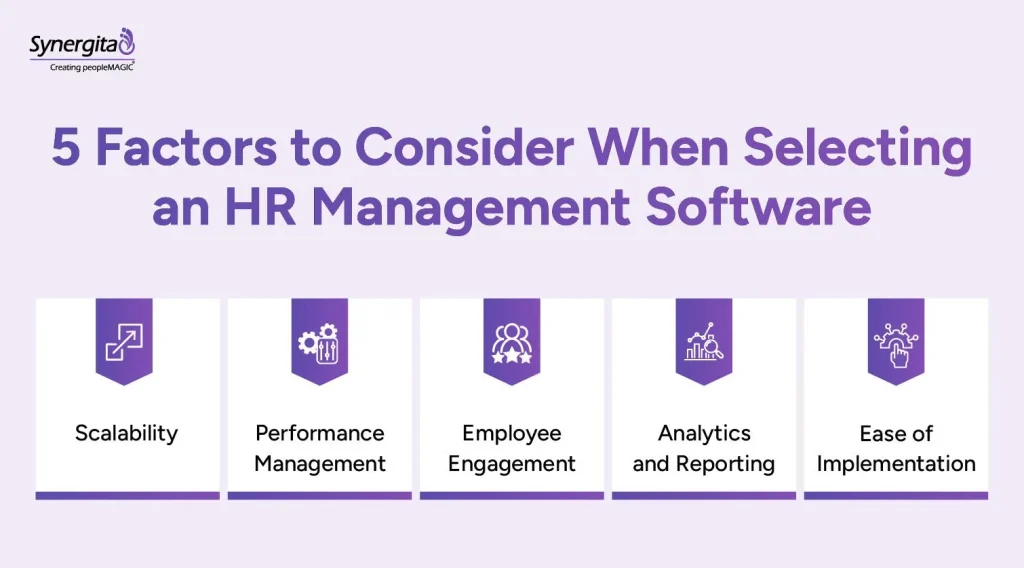
Here’s what to look for when choosing your next platform:
Scalability: Check whether the platform can support your current workforce and anticipated headcount.
Core HR features: Identify whether you need employee records, leave management, attendance tracking, onboarding, or payroll.
Performance management: Assess review cycles, feedback, and goal tracking if employee development is a priority.
Employee engagement: Check whether the platform includes feedback, recognition, or engagement surveys.
Analytics and reporting: Confirm that the available reports cover the workforce metrics your team needs.
Implementation and support: Review data migration, setup time, employee training, and support availability.
Integrations and security: Check compatibility with existing systems, access controls, and relevant data protection requirements.
Before committing, confirm which features are included in your selected plan, what implementation will cost, and whether the platform supports your existing HR processes.
Final takeaway
Before investing in HR software, map your current HR processes and identify where your team loses time, duplicates work, or struggles to access employee information. Use these gaps to define your must-have features, then shortlist platforms based on those requirements. Involve HR staff, managers, and the IT team early so the selected system supports the people who will use it daily.
Synergita offers a dedicated performance management tool that helps HR teams manage employee reviews, continuous feedback, engagement, and professional development.
Start your free trial with Synergita today.
Frequently Asked Questions
The best HR software for a small business depends on its team size, budget, and administrative needs. Platforms such as Synergita, BambooHR and Gusto serve small businesses with employee management and HR administration capabilities. When comparing options, you should consider your requirements and key features like employee records, leave management, onboarding, payroll, and reporting.
HR software should support core tasks such as employee data management, onboarding, leave and attendance tracking, document storage, and reporting. Businesses that need more support can look for performance reviews, employee feedback, and development planning.
HR software programs range from free plans to paid subscriptions based on employee count, features, and billing frequency. Some providers charge per employee, while others use monthly base fees or custom quotes. Synergita offers a performance management system starting at $2 per user per month.
The best HR systems for small businesses include options such as Zoho People, BambooHR, Gusto, Synergita’s performance management solution, and greytHR. The right choice depends on your location, payroll needs, team size, and required features. Compare each platform’s pricing and plan inclusions before deciding.
HR software manages a range of employee-related tasks, including records, onboarding, leave, and payroll. Performance management software focuses on employee reviews, feedback, goals, and development. Some HR platforms include performance management features, while others require a separate tool.
Yes. Some HR systems software includes performance reviews, goal tracking, employee feedback, and development planning. Check whether these features are included in the plan you need or sold as add-ons.
HR manager software helps HR teams organize employee records, manage leave requests, track attendance, prepare reports, and handle routine administrative tasks. The features available depend on the platform and subscription plan.